 ozone
ozoneBusiness guides
Prepare your details before creating an invoice
Practical notes on business, client, and item details for the Invoice Maker workflow.
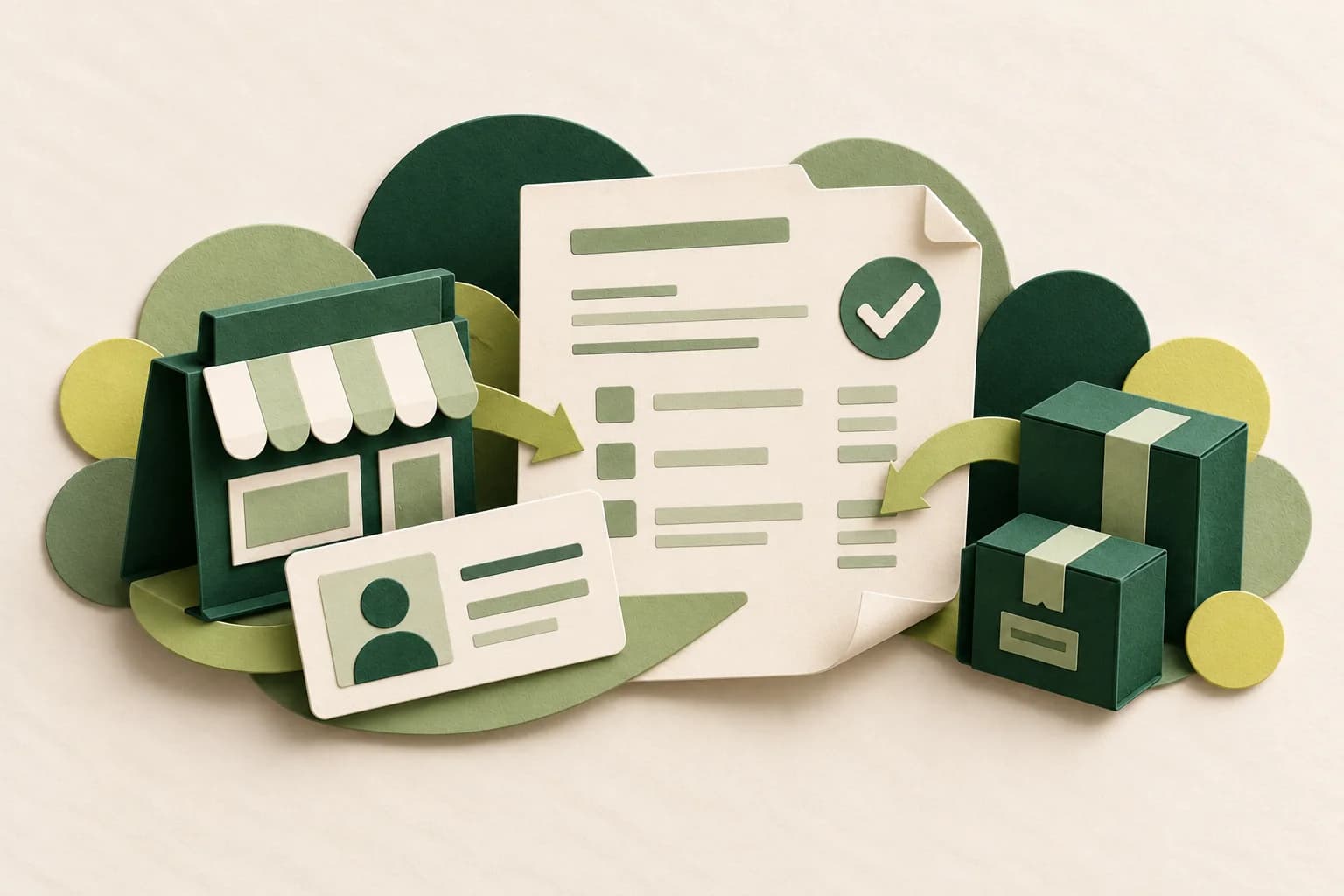
An invoice needs to be checked, not just created. Gather your business, client, and item details first so that reviewing the document is more straightforward.
Start with your business and client
Prepare your business name and details of the client receiving the document. If you use a logo, make sure your business owns or has permission to use the image.
Review items and settings
List the items you plan to bill. Check discounts and tax against the settings you choose. The app is a tool, not a substitute for tax, accounting, or legal advice.
Review before sharing
The workflow introduced on the Invoice Maker page is to add your business and client, add items, and share a PDF. Review the document before sending it to its recipient.
Explore Invoice Maker or read the invoice preparation guide. The product page currently says coming soon on Google Play; this article does not announce app availability.