 ozone
ozoneBusiness guides
Organised business documents are not necessarily secure
Protect invoices and customer information with limited access, stronger accounts, verified bank-detail changes, and tested backups.
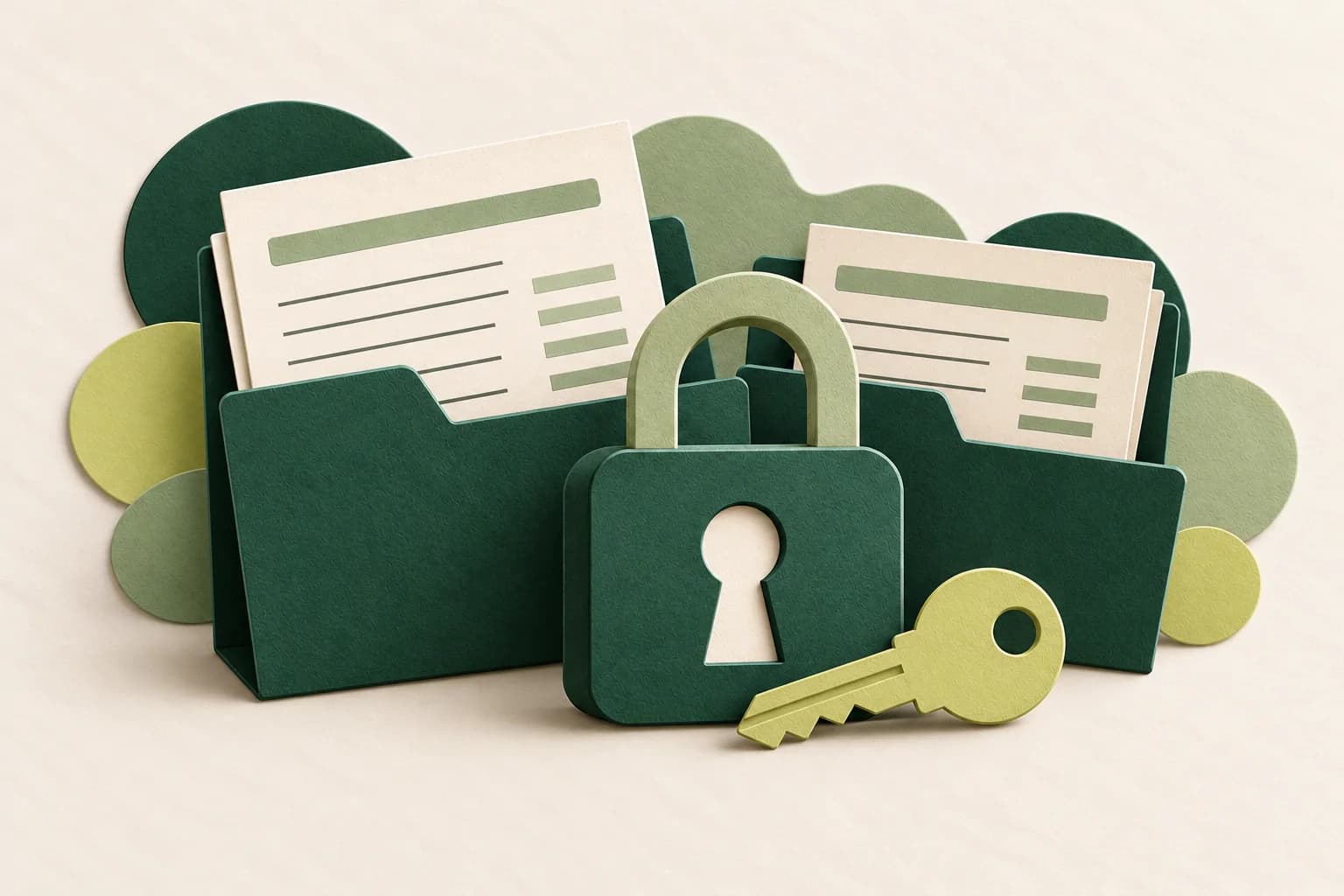
Invoice folders are neatly organised by month. Yet anyone with a link can open them, the account password is shared, and nobody has tried restoring a backup. The documents are tidy, but control over them remains weak.
Security starts with habits a small team can maintain: knowing what is stored, limiting who can open it, and checking risky requests. No single setting makes a business immune to attacks, but several layers of protection can reduce risk.
Keep what you need and limit what you share
List where important documents live: email, work devices, shared storage, and other applications used by the team. Check whether invoices, customer contacts, and transfer receipts have spread across personal accounts without clear control.
Grant access according to the task. Someone who only needs to read a file does not necessarily need editing or sharing permissions. Where supported, share with specific recipients and use access expiry when appropriate. Review default settings rather than assuming links are private.
Do not put passwords, recovery codes, or unnecessary identity documents in order folders. Decide retention periods based on business needs and applicable obligations. Do not remove evidence that must still be retained merely to reduce the file count.
Protect the accounts that open the door
Start with business email and storage accounts because they can expose many documents. Use strong, unique passwords and a reputable password manager where it suits the team.
Enable multifactor authentication, or MFA, on services that support it. Prefer phishing-resistant methods, such as passkeys or security keys, where available and compatible with the team's devices. Never share one-time codes or approve a login request you did not initiate.
Store recovery codes securely and limit access. Decide what happens when a device is lost or a team member leaves. Avoid a single shared account where the service offers individual accounts; individual access is easier to revoke and trace.
Verify bank-detail changes through another channel
A message that appears to come from a supplier may request payment to a new account. Before changing the payment destination, contact the supplier through a trusted number or channel you already have, not just a new contact supplied in that message.
Check sender addresses and link destinations, but do not treat appearance or logos as proof of authenticity. Attackers can imitate a writing style, and genuine accounts can be compromised. Pressure to “transfer immediately” should trigger an extra check, not bypass the process.
If a request is suspicious, stop, do not send access codes, and alert the responsible person. If money has already been sent, immediately contact the bank or payment provider through official channels. Preserve evidence and follow the appropriate incident process; recovery of funds cannot be guaranteed.
Back up, then test a restore
A backup matters when it can help recover documents lost or damaged at the primary location. Keep a separate copy with protected access. Do not assume folder synchronisation is always equivalent to a backup: deletions or changes may synchronise too.
Decide what is backed up, who owns the task, and how often copies are made based on how quickly information changes and the impact of losing it. Test restoration with a sample file in a safe location. Check that it opens, contains the expected version, and is accessible to an authorised person.
Update devices and applications used for document storage. Also record the first steps for a suspected account compromise: whom to contact, how access is revoked, and where evidence is kept. An incident should not be the moment the team first discovers who owns the account.
Start with three checks today
Review one shared folder, enable MFA on one important account, and restore one sample backup file. Record findings and assign follow-up owners. Add relevant habits to your order SOP so they do not depend on one person's memory.
Source and scope
- CISA — Cybersecurity Awareness Month, accessed 20 October 2026: phishing, passwords, MFA, software updates, backups, and incident readiness.
The situations and checking sequence are editorial guidance, not Ozone customer incident reports. This is not a security audit or a determination of data-protection compliance. Adapt controls to the services you use and seek professional help for more complex risks or incidents.
Keep reading
Business guides
Prepare your details before creating an invoice
Practical notes on business, client, and item details for the Invoice Maker workflow.

Business guides
A one-page order SOP your team will actually use
Document the path from order confirmation to handover, including ownership, checks, and what to do when something changes.